

Compress Photo in KB & Video
Resize Image to Exact KB & MB
Screenshots
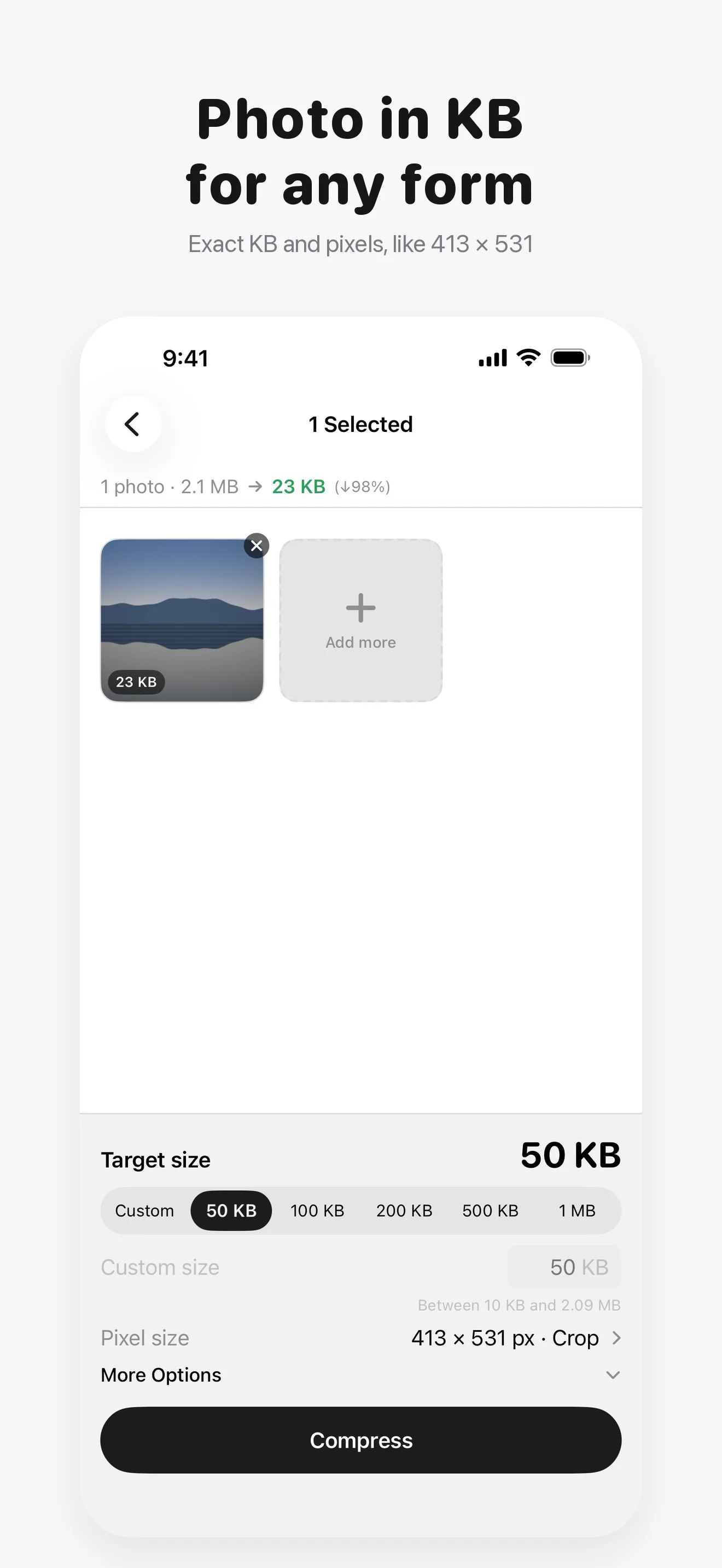
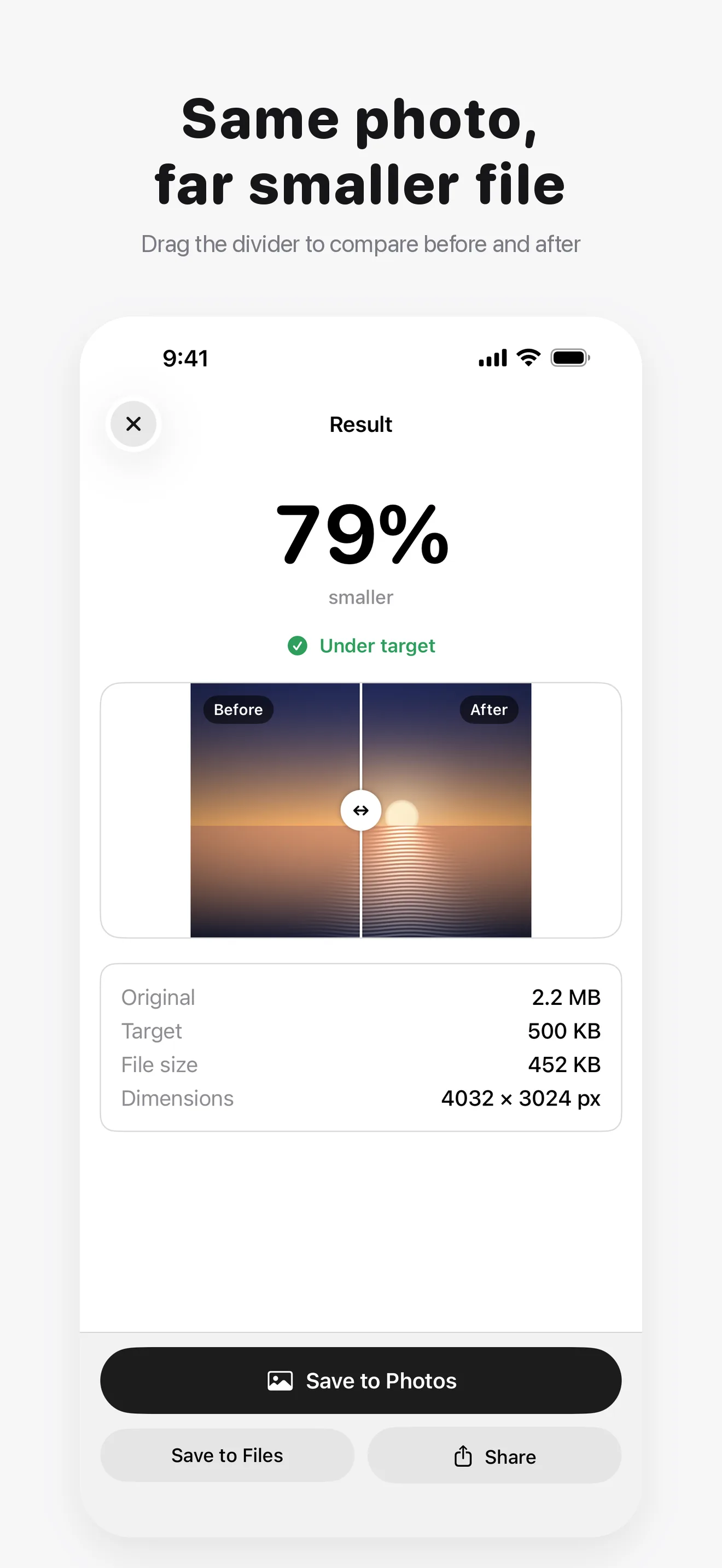
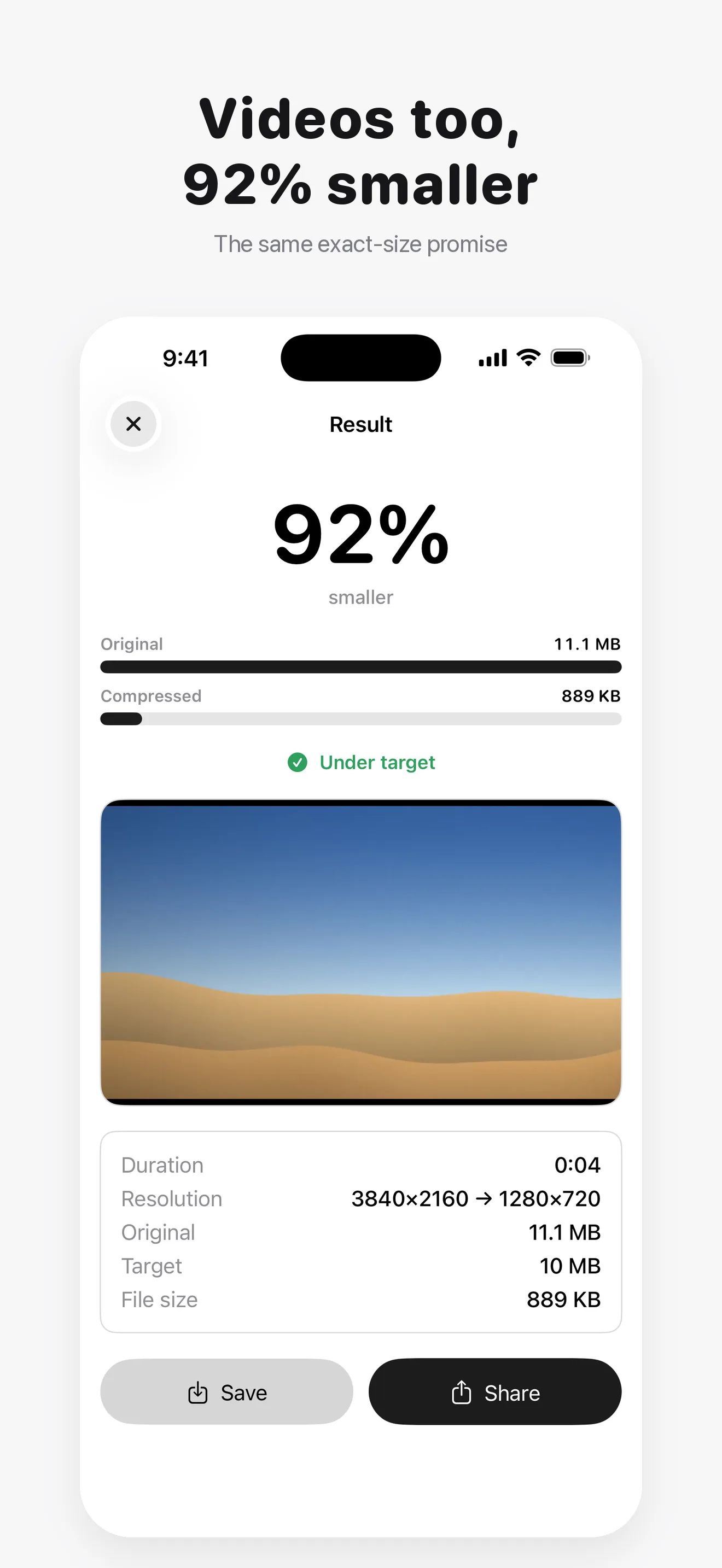
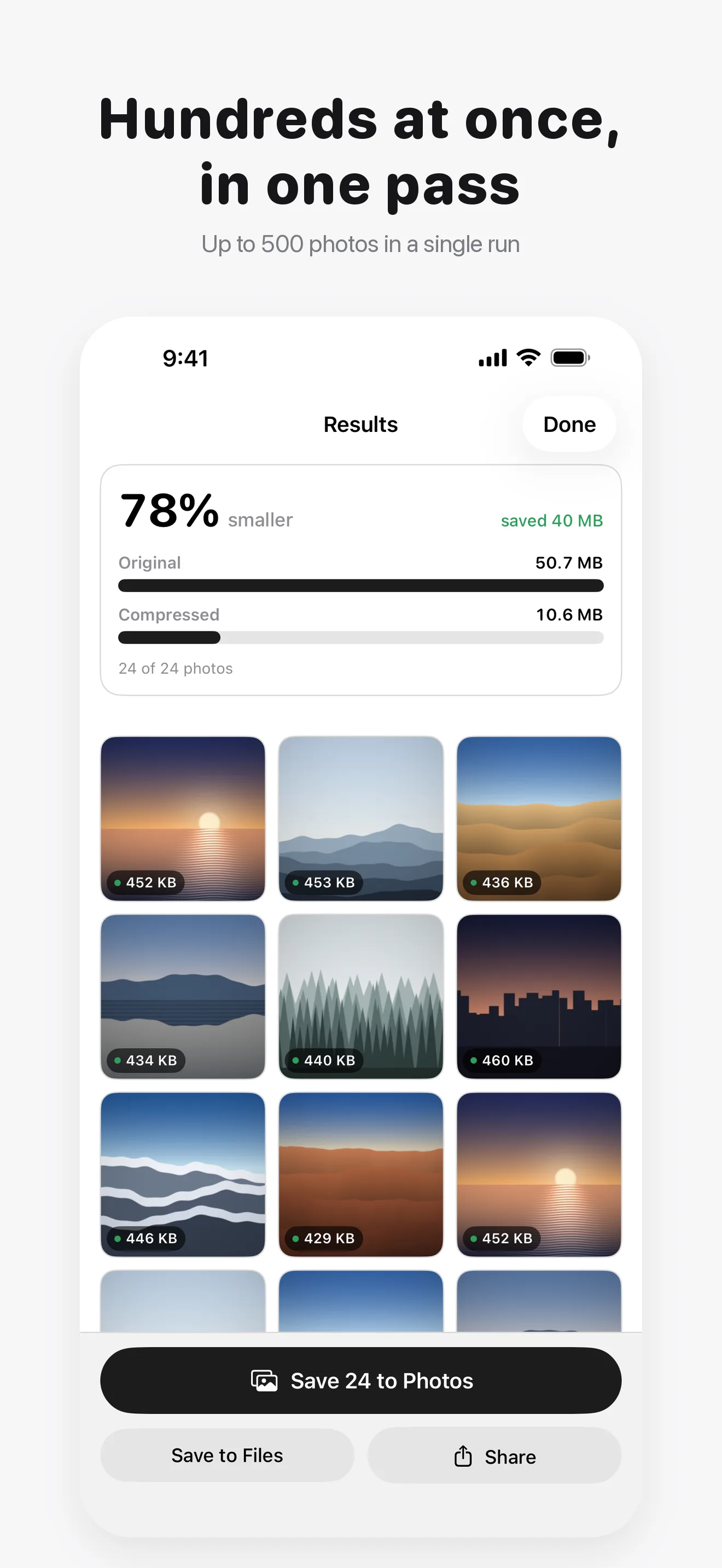
Compress Photo in KB & Video shrinks photos and videos to the file size you need, such as 50 KB for an exam form, 1 MB for an upload limit or 10 MB for an email attachment. Pick the limit, and the app finds the best quality that fits under it. Everything runs 100% on device.
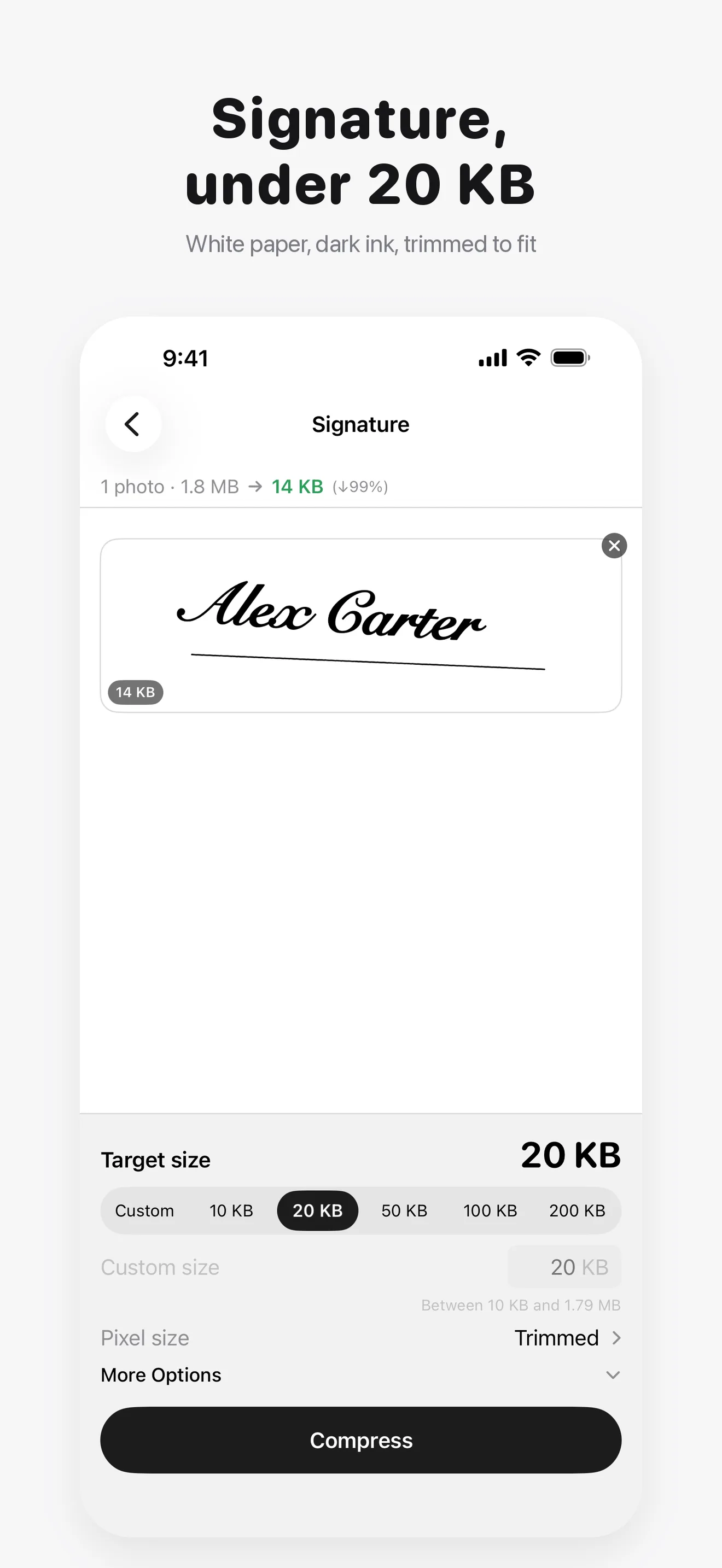
Upload forms often ask for more than a size: a photo of exactly 413 x 531 pixels, and a signature under 20 KB. Set the exact pixel size and the KB limit together, and get a sharp JPG that meets both. Photograph your signature on paper, and the app turns the paper white, the ink dark, trims it and fits it under the limit.
Every attempt is measured against the real encoded file, never estimated, so when it says the result is under your target, it is. If compressing would make a file larger than the original, it hands back the original and tells you.
"Name the size. Get a file that fits."
What It Does
- Compress a photo to an exact KB or MB, from 10 KB upward
- Form presets: 50, 100, 200 and 500 KB, or any size you type
- Exact pixel size, cropped to fill or fitted with a white border
- Resize a Signature: white paper, dark ink, trimmed, under 20 KB
- Small targets come out as JPG, the format forms accept
- Photos and videos, including HEIC, JPEG, PNG and 4K clips
How It Works
- Pick photos or videos, from your library or from Files
- Choose a KB or MB limit, and a pixel size if the form asks for one
- The app searches for the best quality that fits under it
- Check the result, then save or share the file
Who It Is For
- Anyone filling in an exam, job or visa form with a photo and signature limit
- Anyone hitting an upload limit on a portal
- People emailing photos and videos that bounce for being too large
- Anyone freeing up space without deleting their memories
100% On-Device Privacy
Your photos and videos never leave your device. There are no uploads, no cloud, and no account. The app contains no analytics, no telemetry, and no tracking SDKs of any kind. It works completely offline, and the only network use anywhere in the app is the App Store purchase itself.
Free and Pro
Free covers the whole promise for one file at a time: any KB or MB target including a custom one, the form presets, saved anywhere you like, with your photo's metadata kept. Exact pixel size and Resize a Signature are free three times each. Pro is a one-time purchase that makes those unlimited and adds saved sizes, batch compression, More Options (smallest possible, resolution limits, metadata handling and output format), Replace Original, and editable size presets. There is no subscription and nothing renews.
Frequently Asked Questions
Can I compress a photo to 50 KB for a form? ▼
Yes. Pick 50 KB (or type any size) and the app returns the best quality JPG that fits under it. If the form also asks for a pixel size, such as 413 x 531, set that too and the photo comes out at exactly that size.
How do I resize my signature? ▼
Sign a sheet of paper, take a photo, and tap Resize a Signature. The app makes the paper white and the ink dark, trims to the signature and fits it under the limit, 20 KB by default. It handles shadows, ruled notebook paper and pencil.
Does it work offline? ▼
Yes. All compression happens on your device and no internet connection is needed.
Are my photos uploaded anywhere? ▼
No. Your photos and videos never leave your device. There is no server involved at any step.
Does it compress videos too? ▼
Yes. Videos are compressed to your target size, stepping down the resolution only if it is the only way to fit.
What if the file is already small? ▼
It never returns a file larger than the original. If compressing would grow it, you get the original back and the app says so.
Will it change my photo's size in pixels? ▼
Only when it has to. The app lowers quality first, and makes the picture smaller only when a target is too small to reach otherwise. To get an exact size in pixels, set one. Capture date and location are kept unless you choose otherwise in Pro.
Is Pro a subscription? ▼
No. Pro is a single one-time purchase. There is no renewal and no recurring charge.
Do I need an account? ▼
No. There is no sign up and no login. Open the app and start compressing.